SkillCat · Online Learning
An all-in-one HVAC learning platform.
The learner mobile app, and the decisions behind it.
SkillCat is a mobile training app for HVAC, electrical and plumbing. Learners earn the certifications that get them hired, and employers use it to train their teams.
The Brief
Learners were signing up, then stalling before their first certificate, and working pros had little reason to come back. The goal was one clear path from sign-up to first cert to first job.
Business goals
- ActivationFree lesson within 7 days
- ConversionFree → certificate → Premium
- B2B growthCompany manager dashboard
Design goals
- One pathSign-up → first cert → first job
- CredibilityCertifications visible at decision points
- One systemWorks for beginners, pros and managers
Problem statement
- LearnersUnsure which course to start as an aspiring technician
- ProsWorking techs have little reason to come back after being certified
- UnknownWhich barrier matters most for each audience?
App Audit
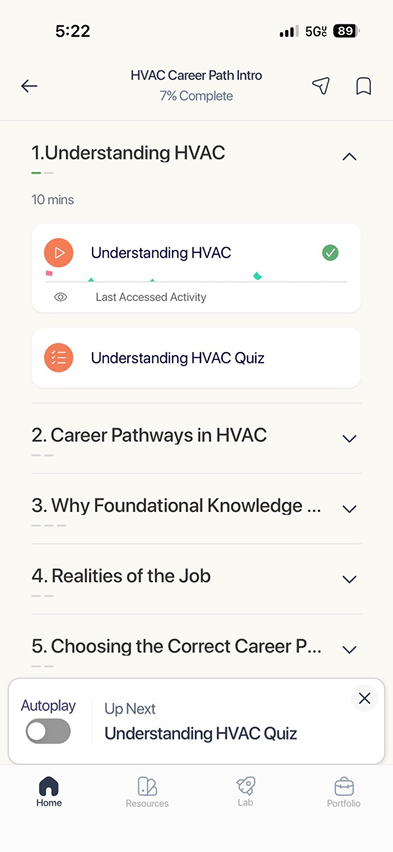
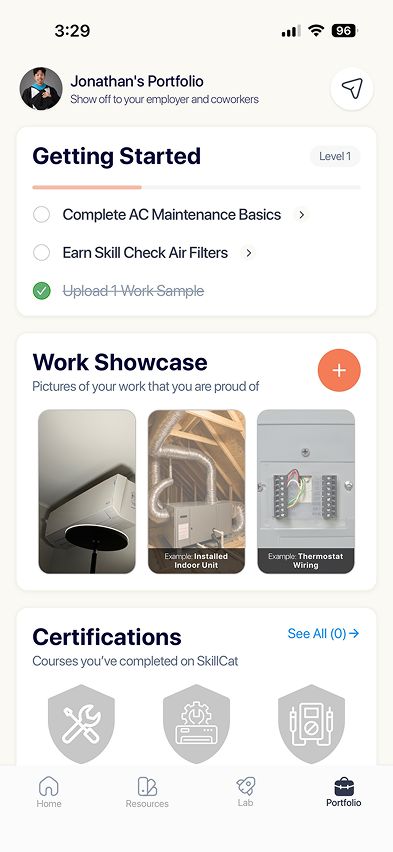
The courses and certifications were all there, but the app was catalog-first. Learners landed in a wall of categories and had to build their own route to the credential that gets them hired.
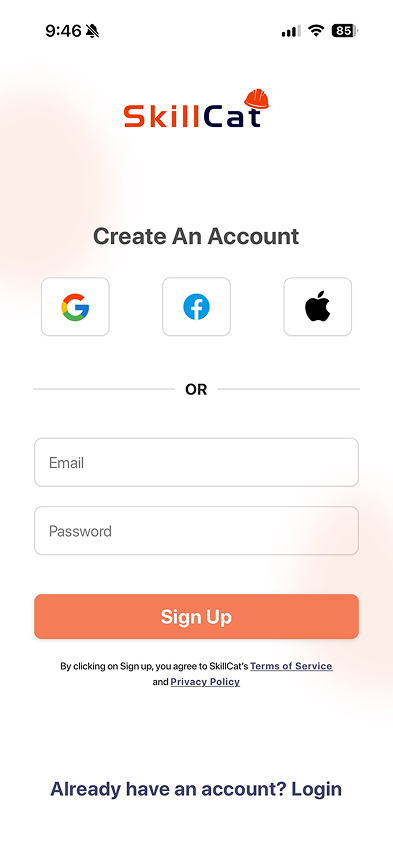
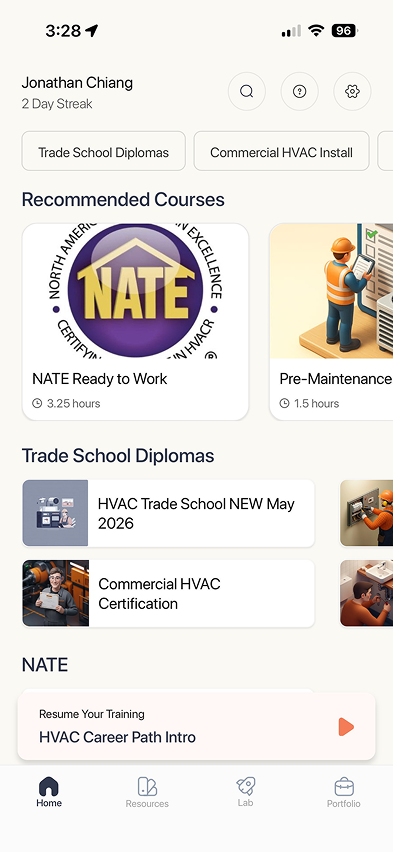
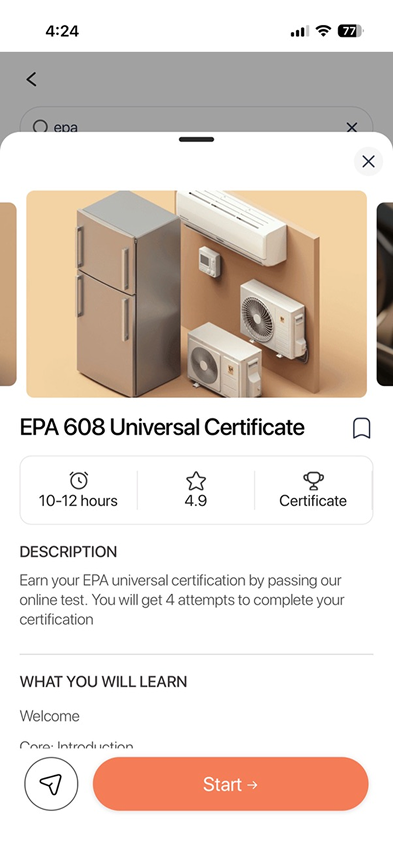
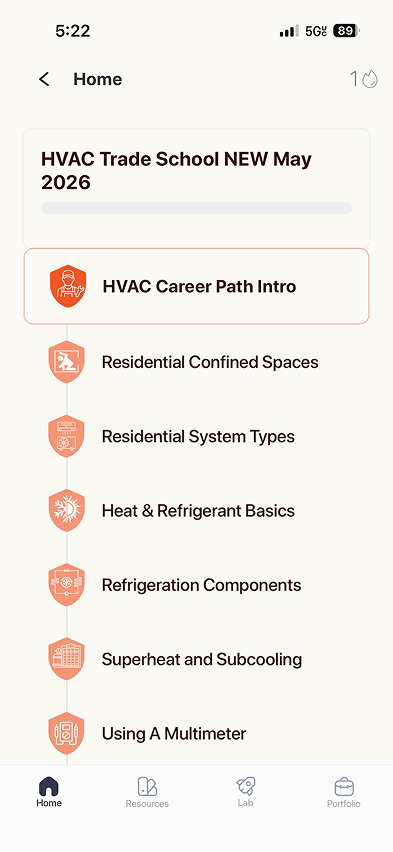
Texting Study
I texted trade learners to hear what they actually wanted. They're outcome-driven: a cert matters because it leads to a job and a raise, not points or streaks.
Hey, it’s Jonathan from SkillCat, quick check-in: are you here to land your first HVAC job or just to pass a certification / level up?
first job. been doing warehouse for years and want something better
Perfect, and have you faced any challenges concerning the job search so far?
every posting says 1-2 years experience required
What’s been the hardest part about that?
What I learned
Outcome-driven
Cert → job → raise. Not points or streaks.
SoLead with the job it unlocks.
Learn by doing
On the job, YouTube, Reddit. Not school.
SoShort lessons, practice built in.
“...then what?”
“Will finishing actually get me hired?”
SoAlways show the next step.
Journey Map
I mapped an aspiring tradesperson from discovery to first job. The low point comes after the cert, in the job search, so the path has to reach the first job.
- DiscoverSearches “HVAC training”, finds SkillCatIs this legit?Is it legit?Prove it counts
- Sign upMakes an account, answers setup questionsWhy all the questions?Questions firstValue first
- First lessonWatches a short video on a breakOK, I can do this.No clear next stepOne path
- First certBooks the EPA 608 examWhere do I even test?Exam logisticsExam in the app
- Job searchApplies to posting after postingThey all want experience.No experienceJob-ready tools
- First jobStarts as an apprenticeIt actually paid off.—Share the win
TakeawayThe low point comes after the cert, so the path has to reach the first job.
Competitor Audit
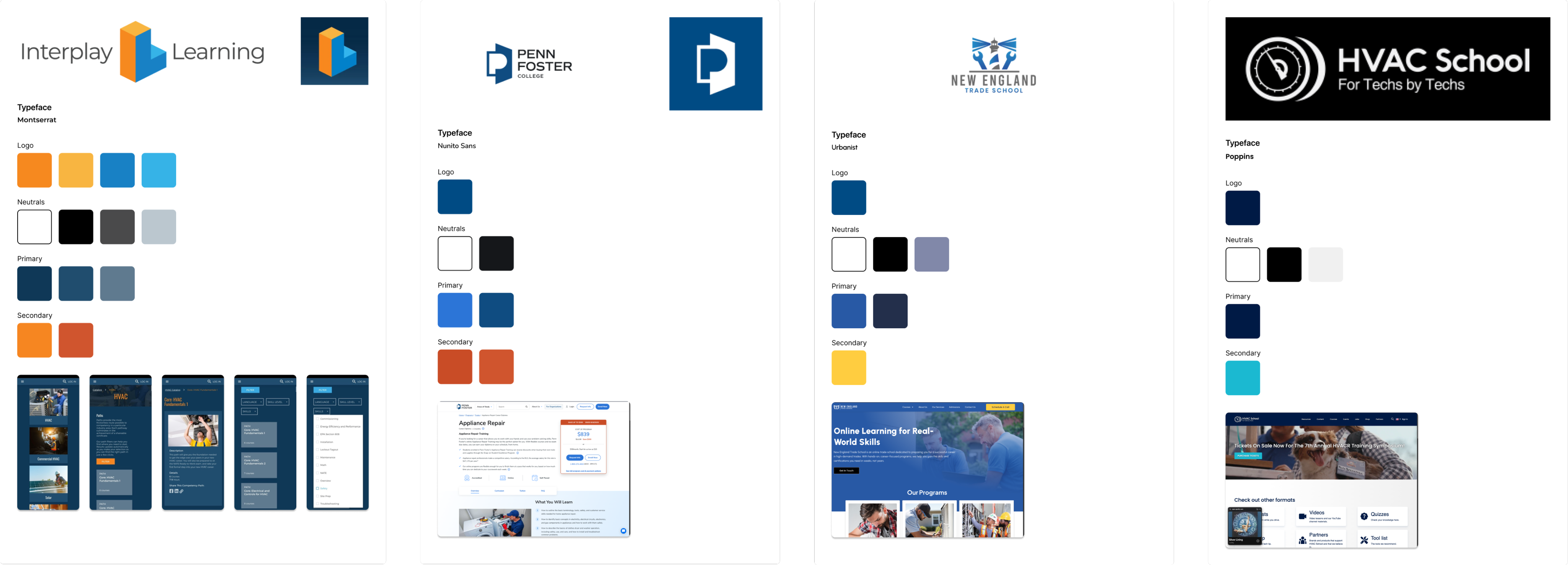
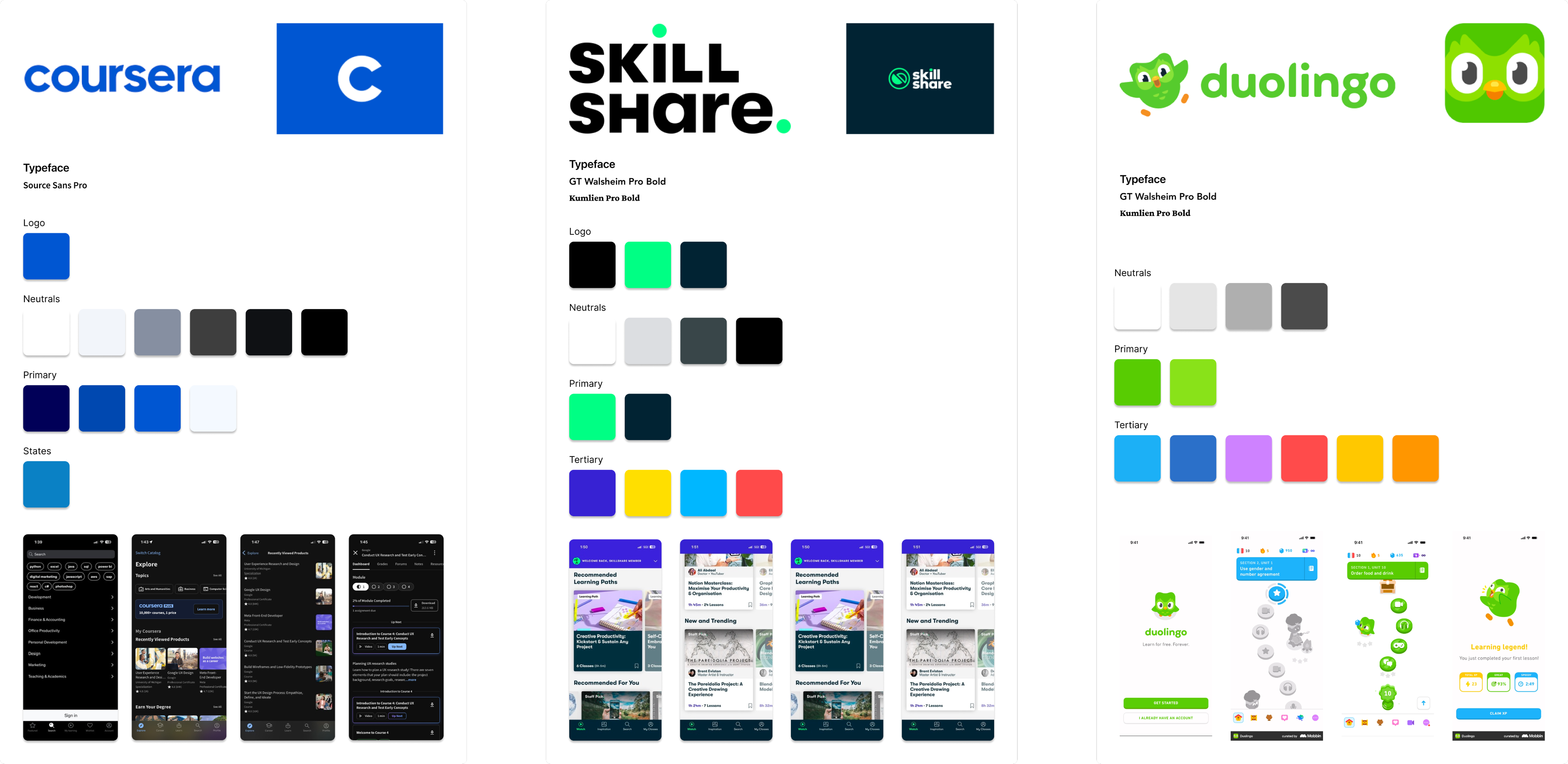
I audited 7 trade schools and learning apps. Trade schools felt credible but dated; consumer apps felt modern but casual. None were both, and that's the gap SkillCat could fill.
Direct · trade schools & cert providers




The opening

Indirect · consumer learning apps


Direct, trade schools & cert providers: logos, type, palettes, and product screens.
Indirect, consumer learning apps: logos, type, palettes, and product screens.
Target Users
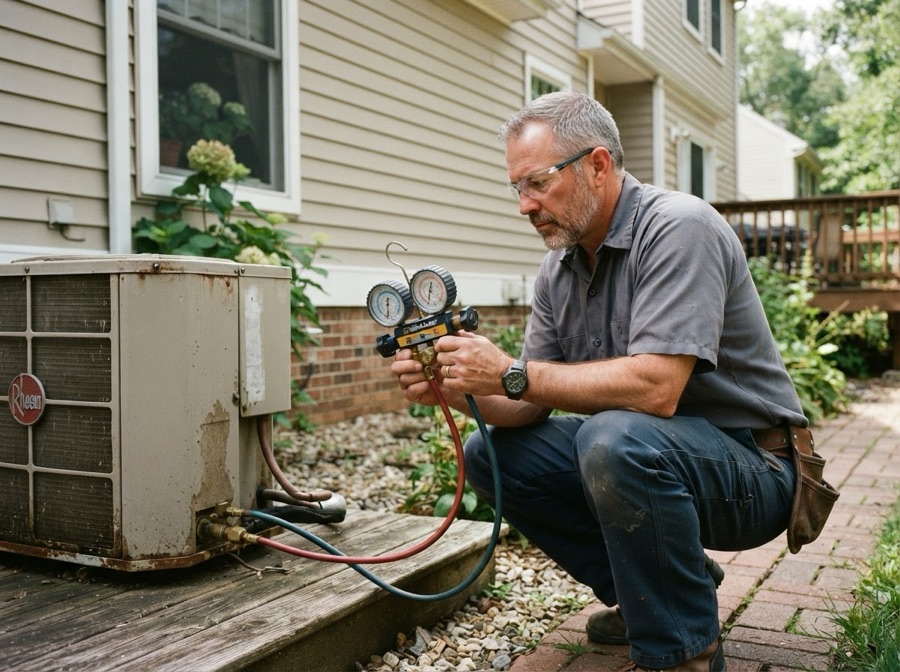
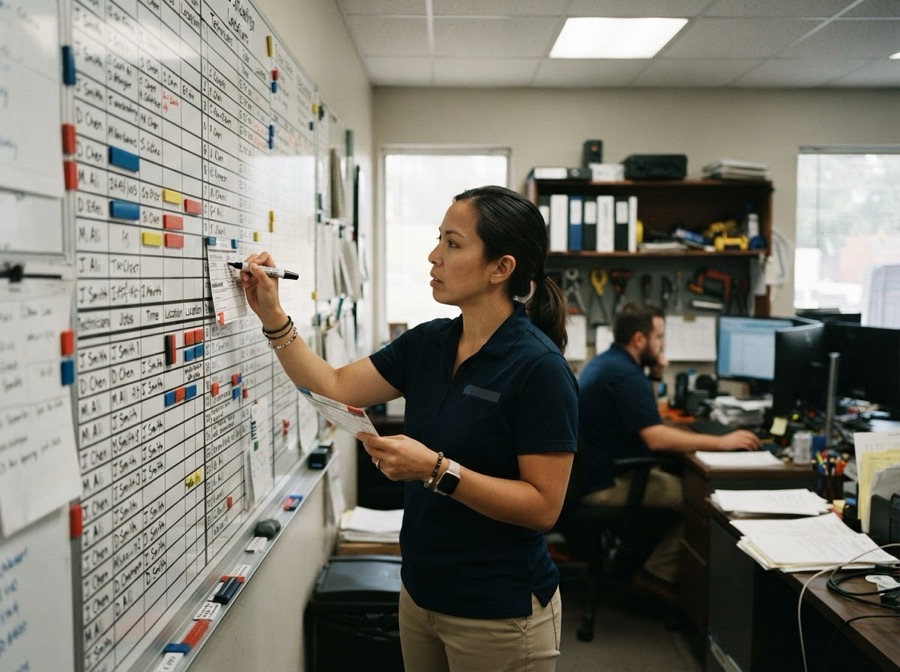
I designed for aspiring tradespeople first and working technicians second. Managers and team leads were out of scope for the learner app.

Prioritization
I ranked every opportunity by impact and effort. Quick wins like certifications up front came first; the social feed and simulations tab were cut.
Quick wins
- Certifications up front
- Certs one tap away
- Clear next steps
- Personalized onboarding
Big bets
- Job placement tools
- Proctored exams in-app
- Job finding tools
Fill-ins
- Study reminders
- Resume builder
- Portfolio builder
Cut
- Social media
- Simulations tab
- Practice exams
Brand Identity
I built an industrial brand drawn from trade equipment: Flame orange on dark neutrals and Fira Sans with IBM Plex Mono, then took it past the app, from UI to billboards.
Break into the Trades
Fira Sans×IBM Plex Mono
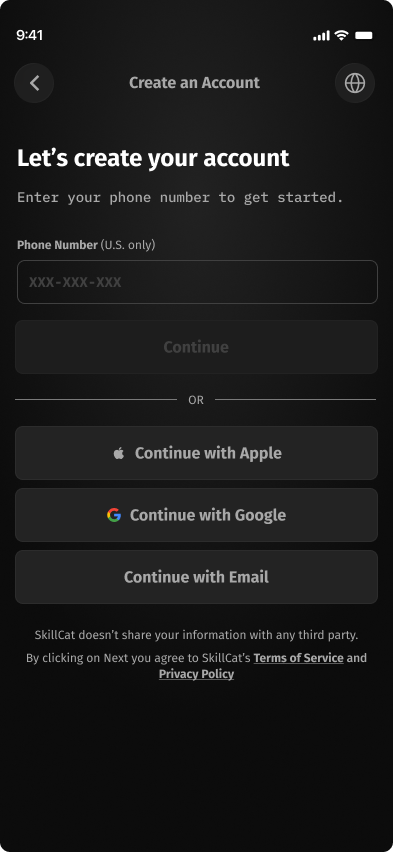
The Redesign
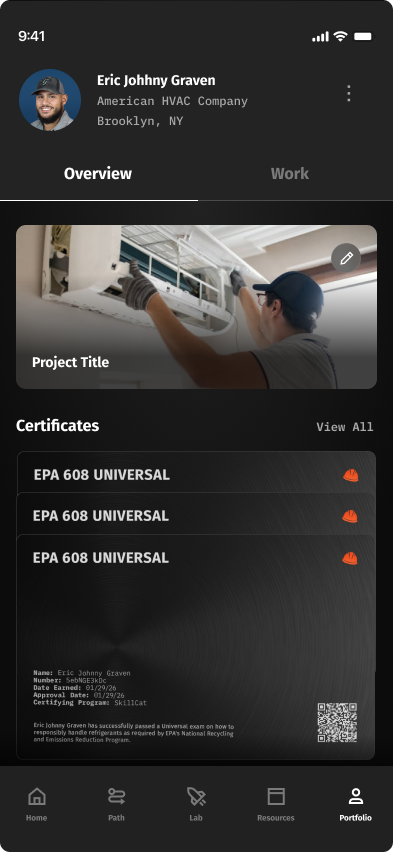

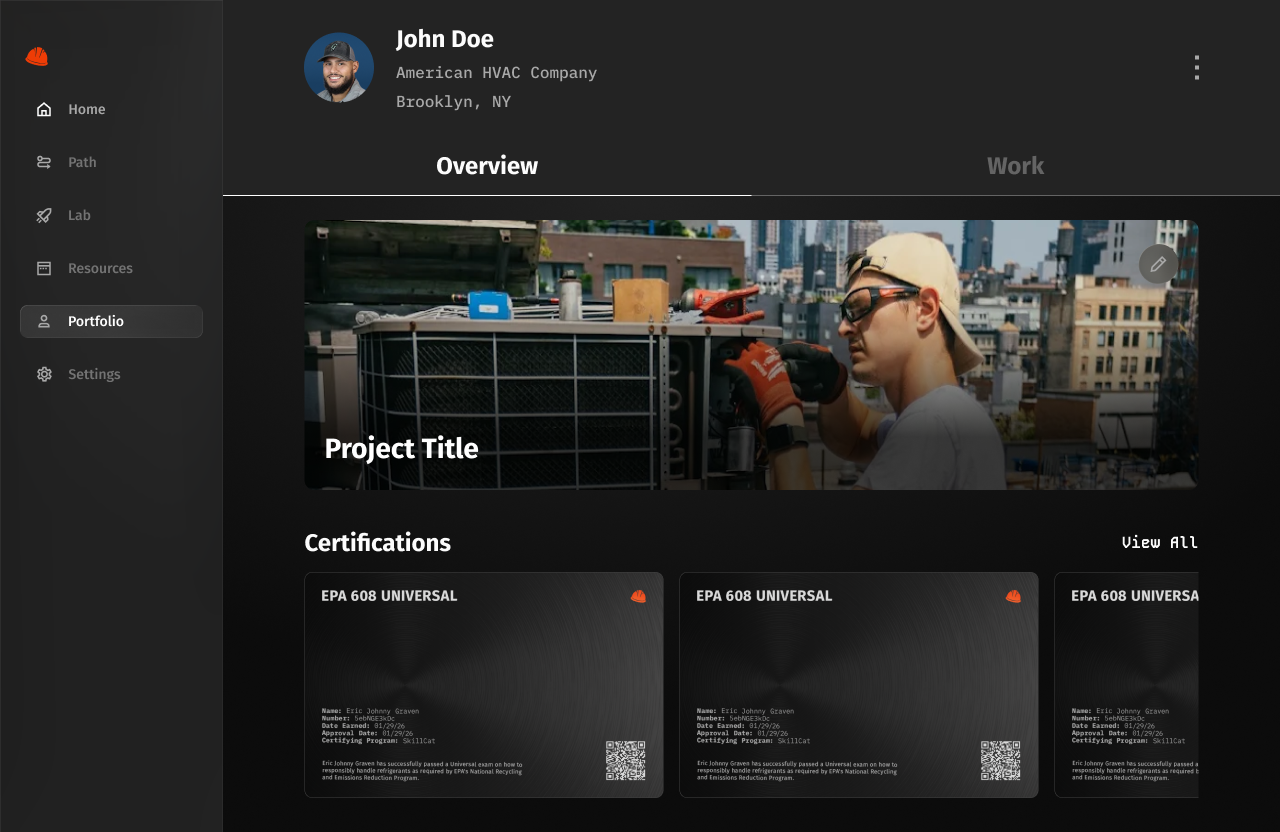
Design Iterations
Each core screen went through dozens of iterations. Here are the best ones.
Home
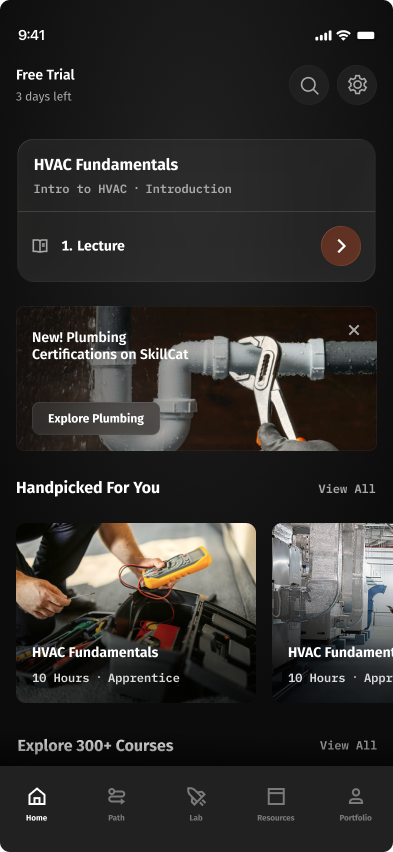
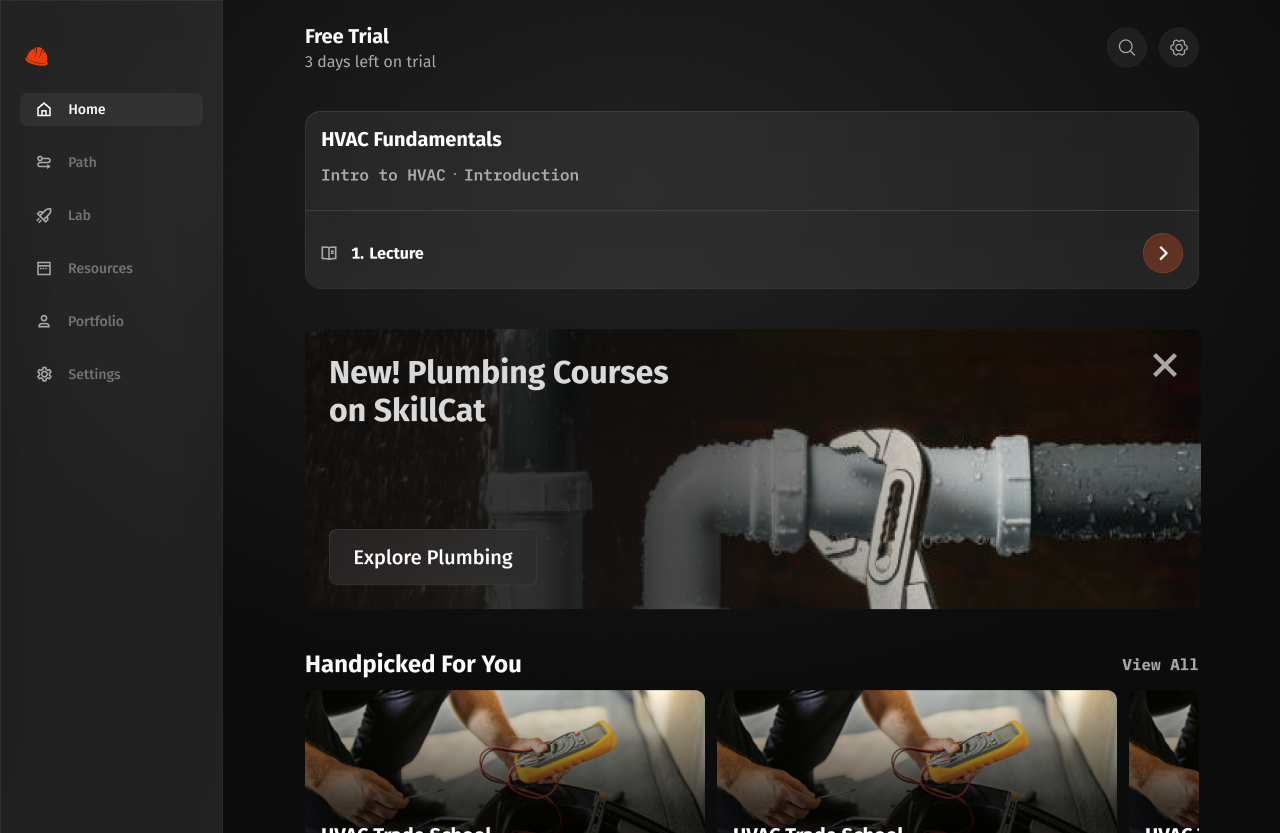
The home screen shows learners where they are and what to do next.
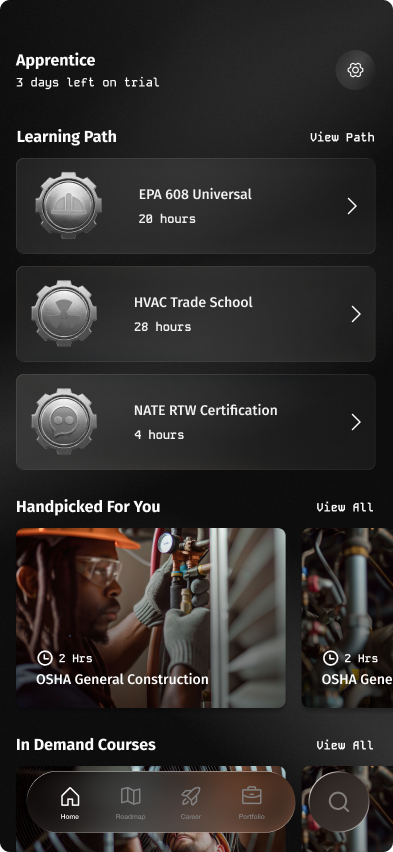
- Learning plan cards are too tall.
- What if a user has 5+ learning plans? Stacking on the home page overflows.
- Navigation bar is modern but runs into legibility issues.
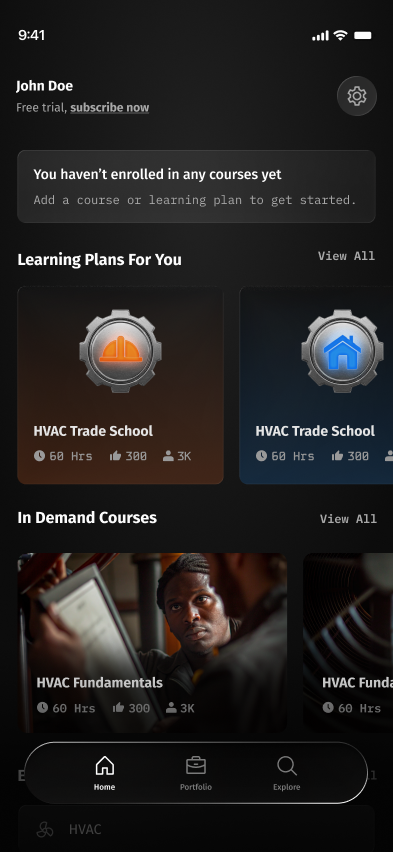
- Learning plans now look visually different from regular courses.
- Simplified the learning path: one single path stacked on the backend.
- Simplified the navigation bar.
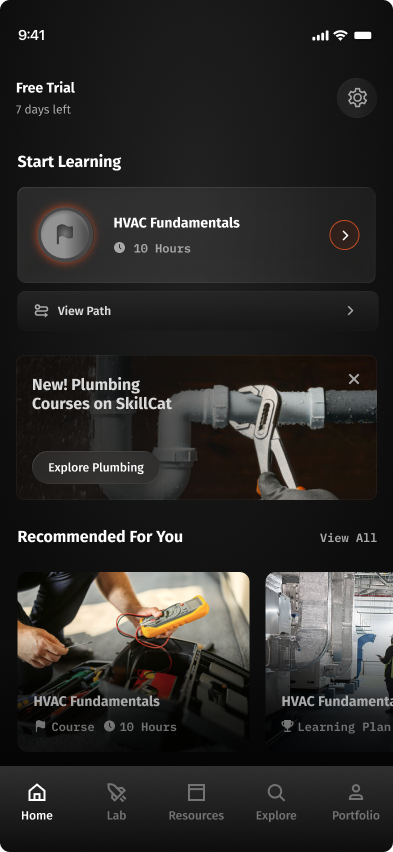
- Simplified the header billing status.
- Simplified the iconography.
- Added a full-width banner for new courses.
- Reverted to a traditional navigation bar.
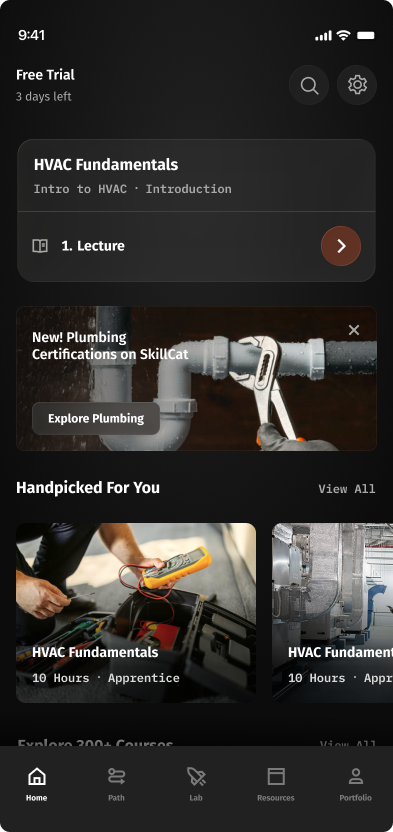
- Moved Search up into the header.
- Collapsed Start Learning into one card with the course + current task title.
- Added "Path" to the nav: direct entry to the Course Tree.
Course view
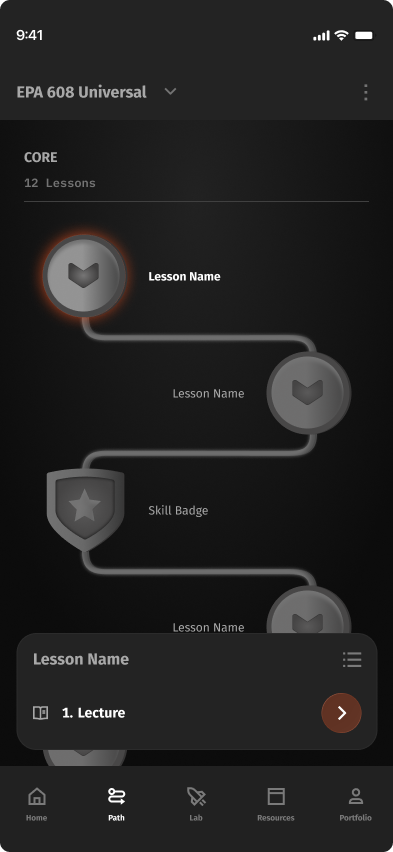
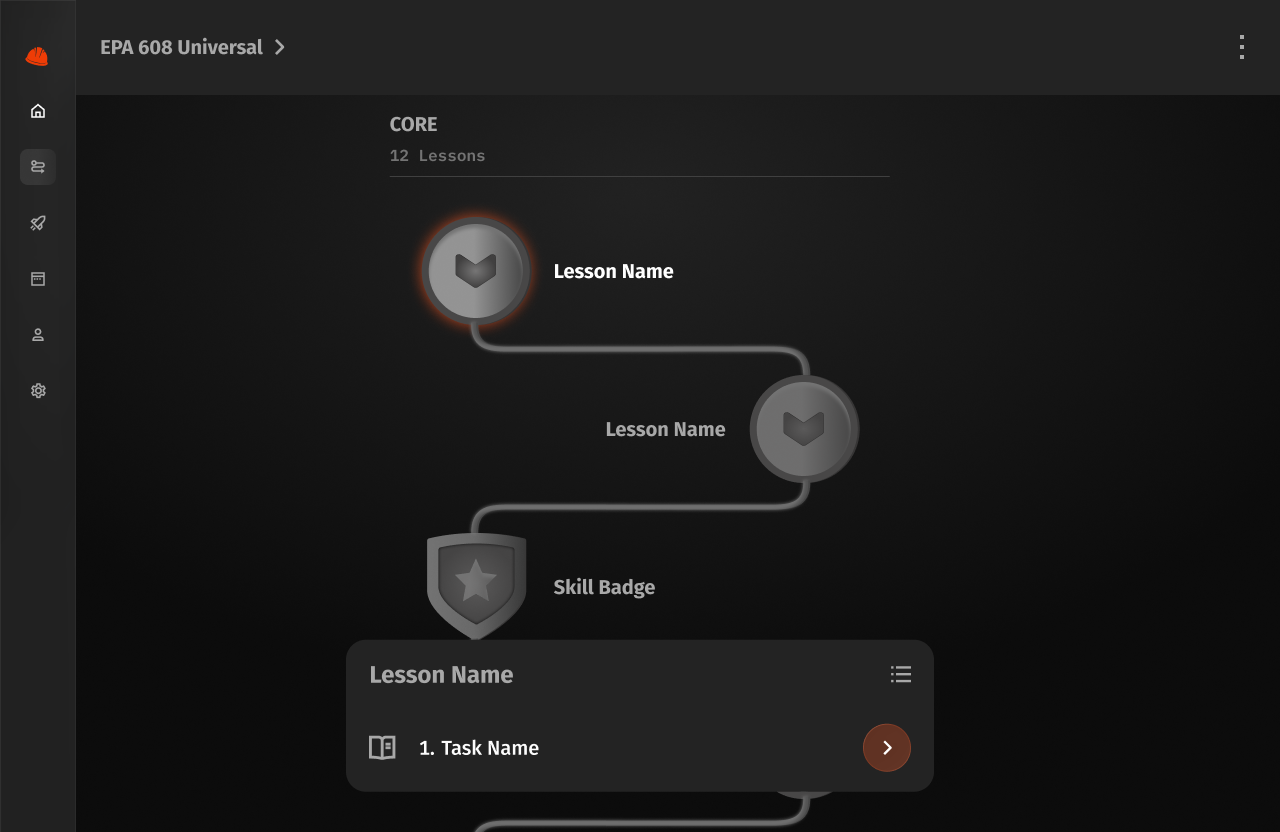
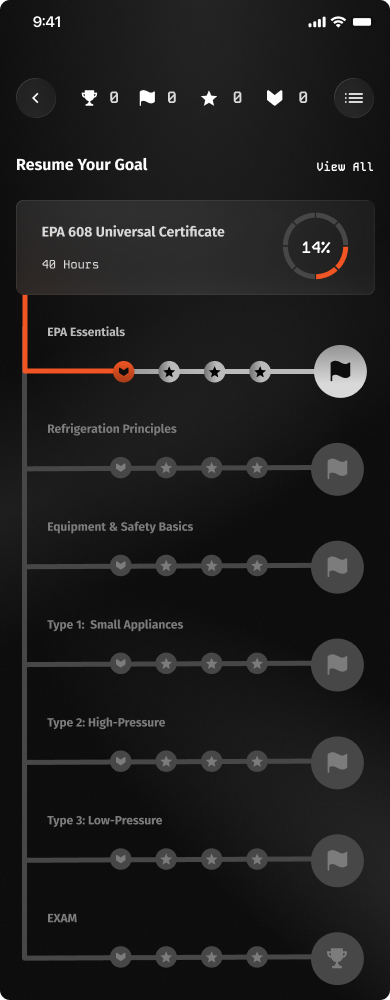
The course view lays out a course's lessons and tracks progress through them.
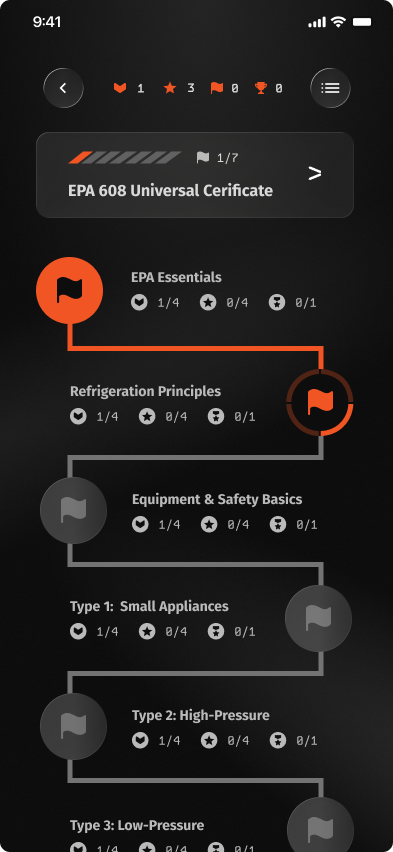
- Progress noted on the top banner bar.
- Military motifs gamify the path: badges, trophies, streaks.
- Each node = a full course, with all sub-tasks, quizzes, and finals listed inside.
- Users must complete every step before moving to the next node.
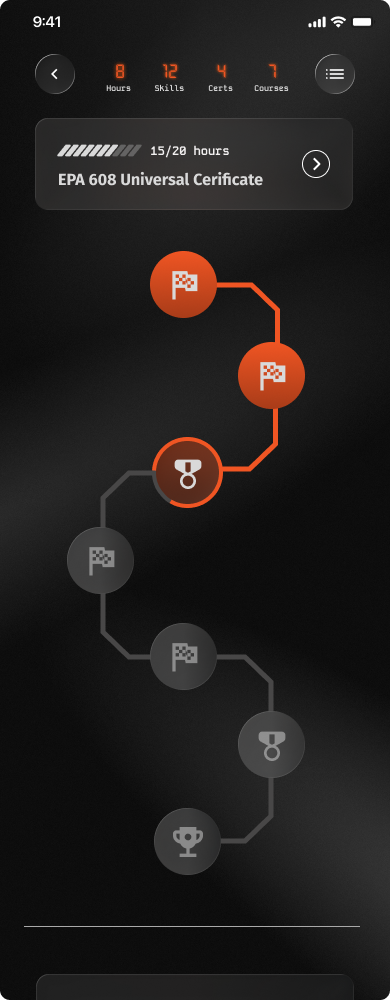
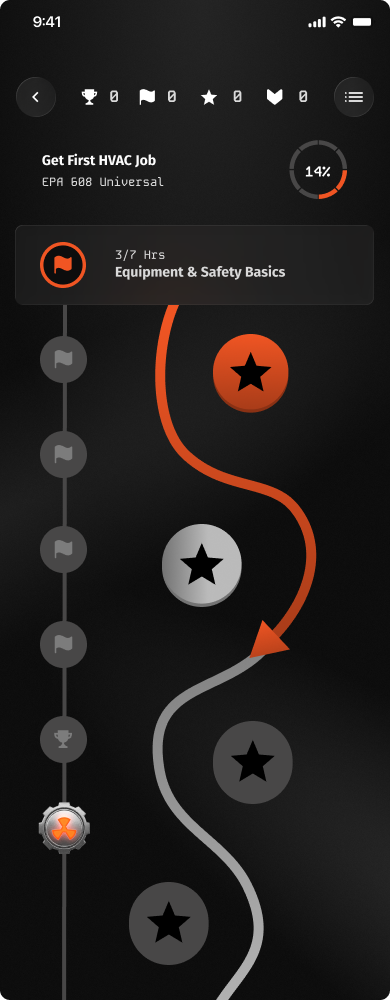
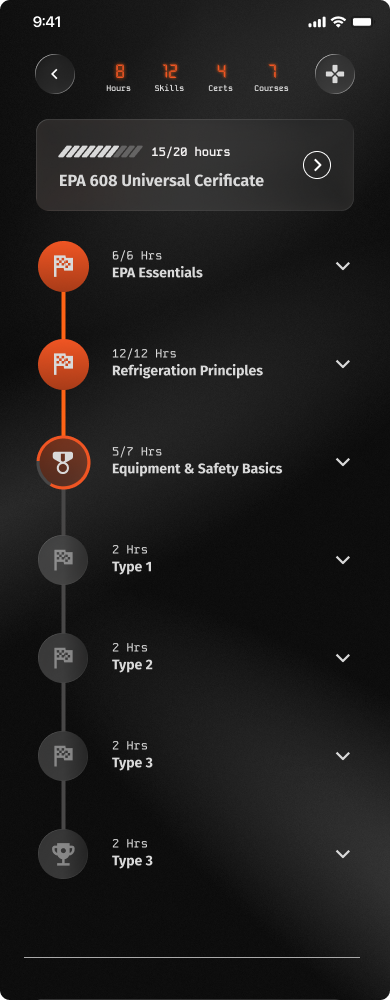
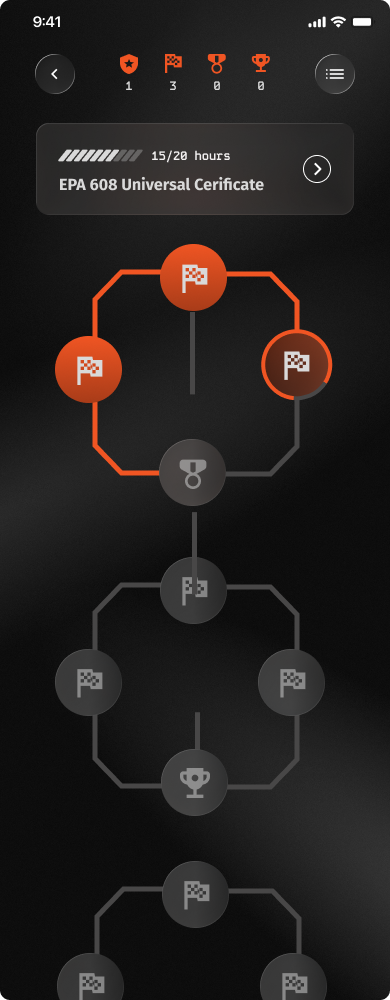
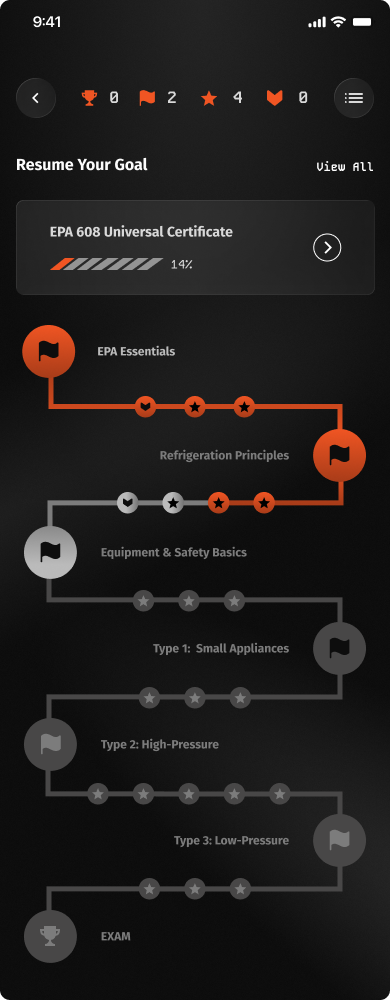
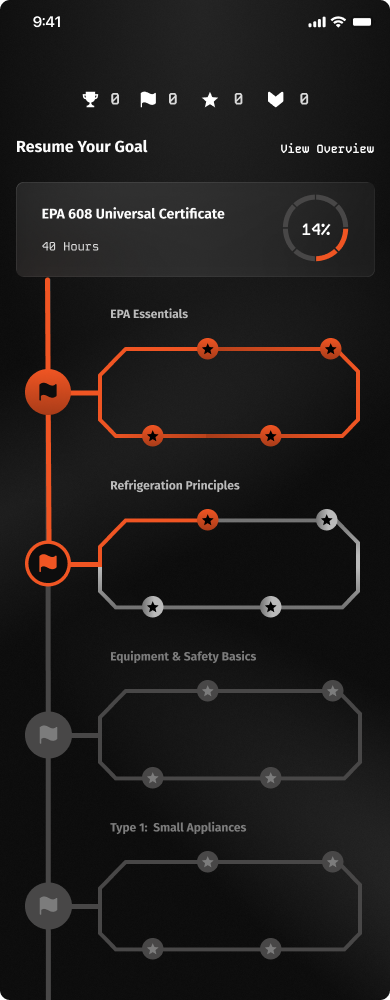
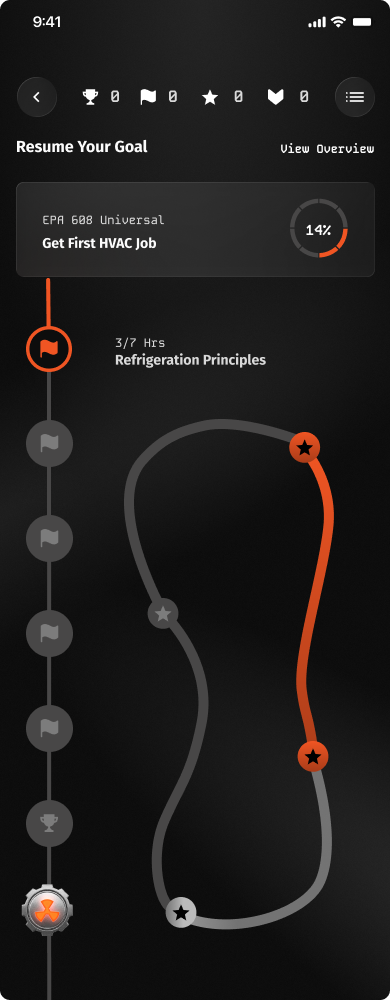
Zig-zag path of nodes, stats bar on top.
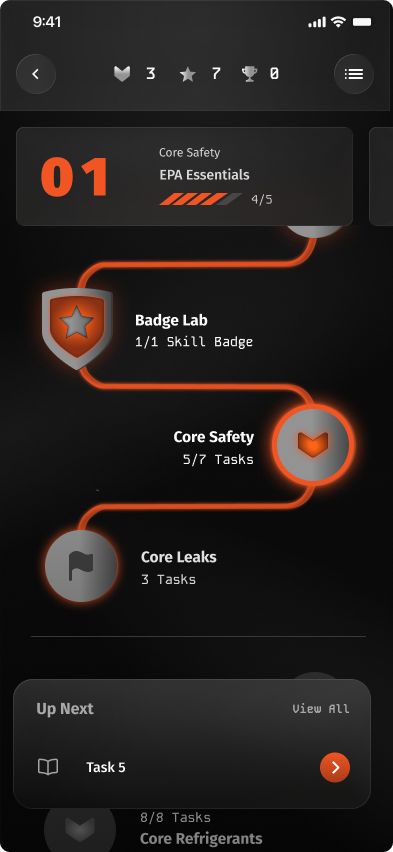
- Updated the course tree UI.
- Simplified the trophy system.
- Each node now = a single lesson with its tasks inside.
- Added a bottom modal for more info.
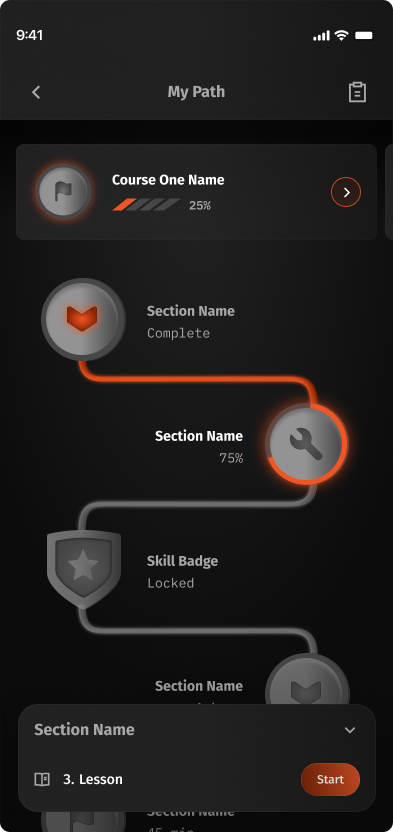
- Banner now includes the user's progress.
- Removed the gamifying features.
- Simplified the node descriptions.
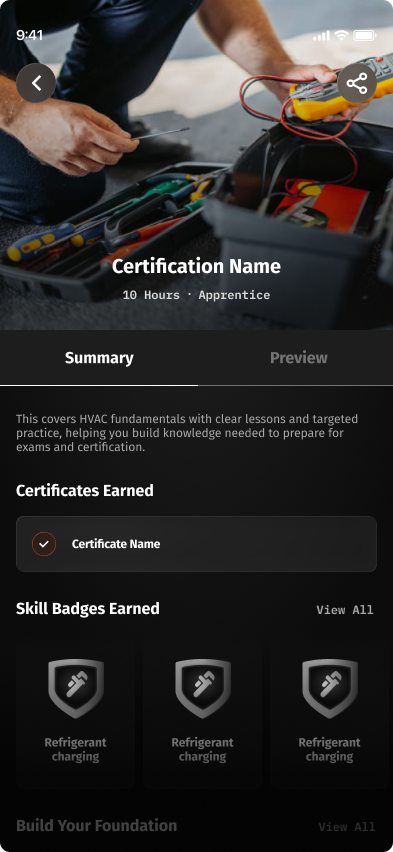
- Simplified the header: now shows the certification name.
- Removed the top banner entirely for a simpler section header.
Final Learner Flows
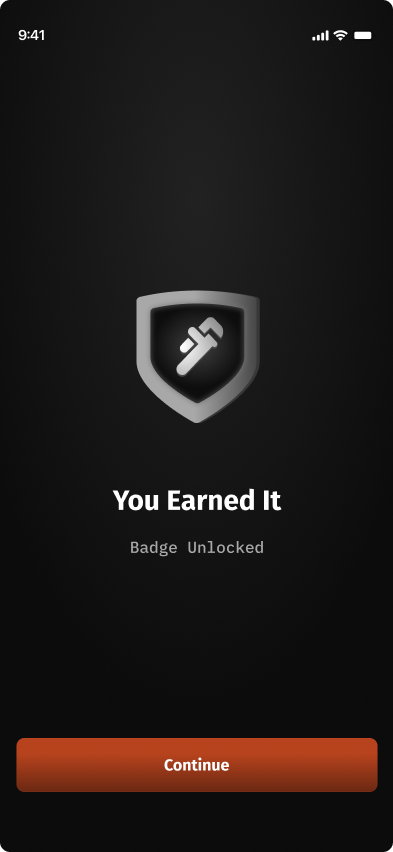
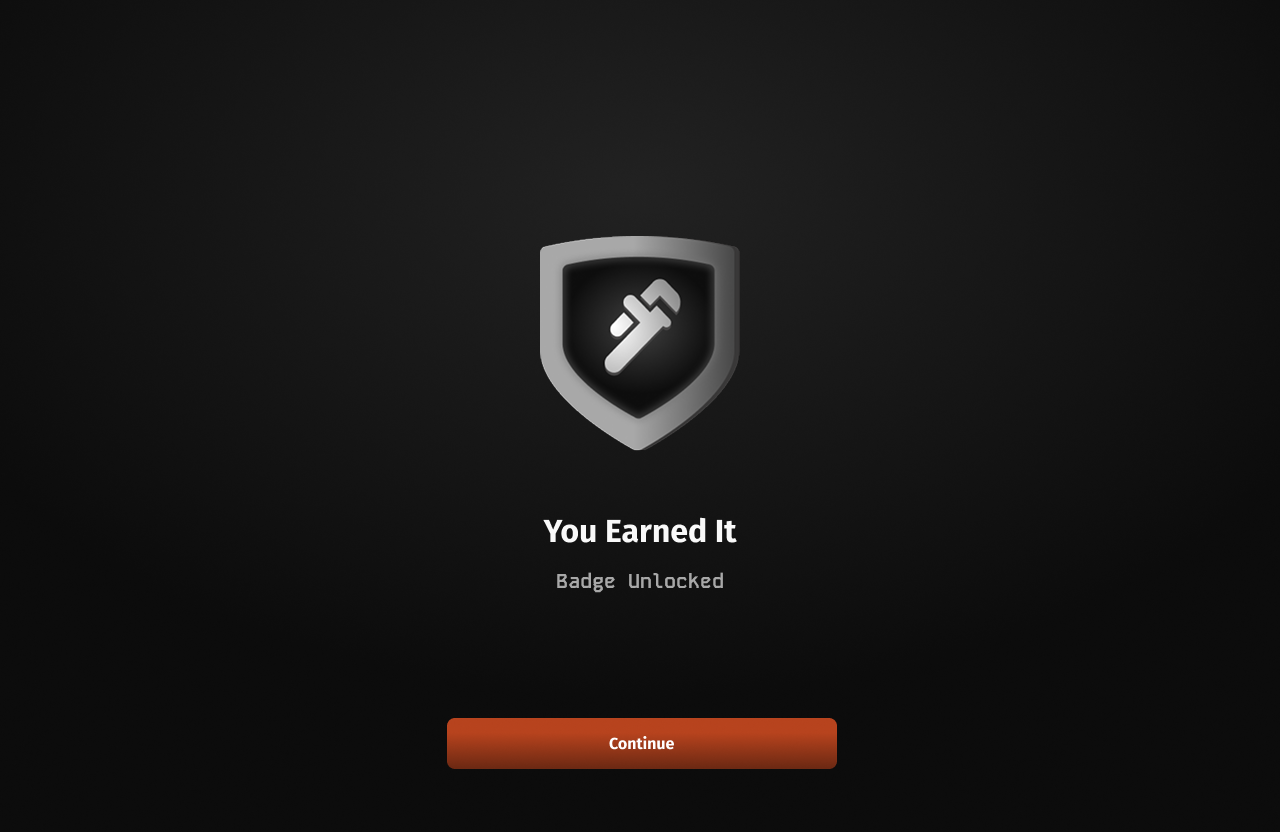
Five flows carry a learner from adding a course to earning an EPA 608 certification.
Before & After
The original app next to the redesign, screen for screen.
Admin Dashboard
The employer side, in brief: a dashboard where managers track team training, approve hands-on work, and manage their people.
Home
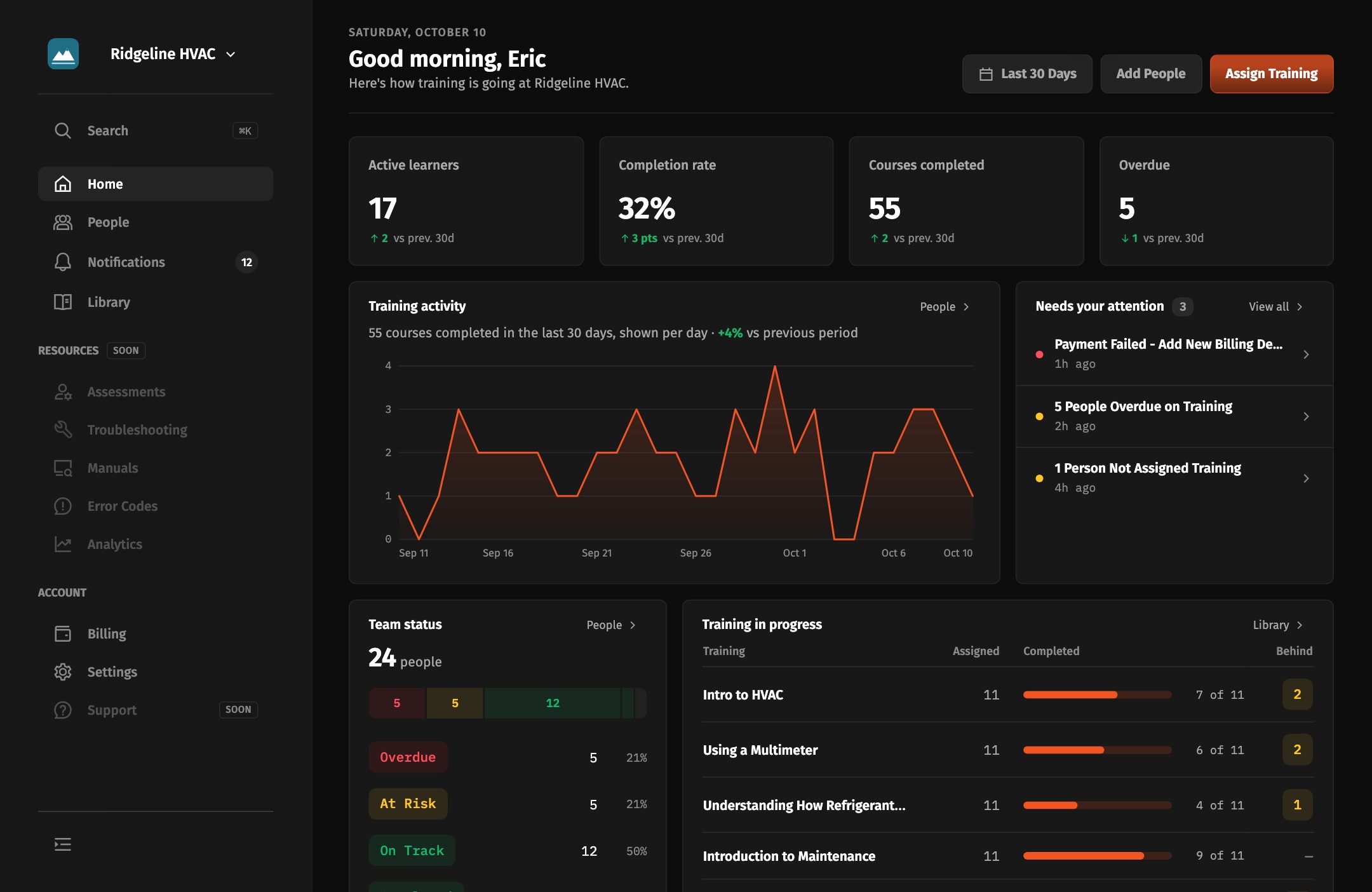
Where an admin lands. V1 was a static grid of quick actions and reports; the redesign turns it into a live overview of team training that admins can customize.

Inbox
The admin's command center. Every approval, assignment, and pending action lands in one role-aware queue.


People
Managing the whole team: roles, progress, and bulk actions. Each round pushed it to scale well past a handful of employees.


Reflection
01
Decide on evidence, and say how sure you are
The texting study was small, so I treated what I heard as a strong signal, not proof. When I made a call, I named what it rested on and how confident I was, so the team knew which decisions were settled and which were worth revisiting.
02
A design is never done
Several times we thought we had the final iteration, then testing with more users surfaced new ways to improve. I learned to treat iteration as continuous and never settle on a design as finished.
03
Designing and coding at the same time
Prototyping in code while designing often showed me a screen was too complex to build, or that transitional screens were missing entirely, since our visual designer focused on the core screens. Raising these with the team before engineering handoff headed off problems and sped up the product lifecycle.